Bug #698
openSome Pages Overflow Horizontally, Hiding Buttons Off-Screen
0%
Description
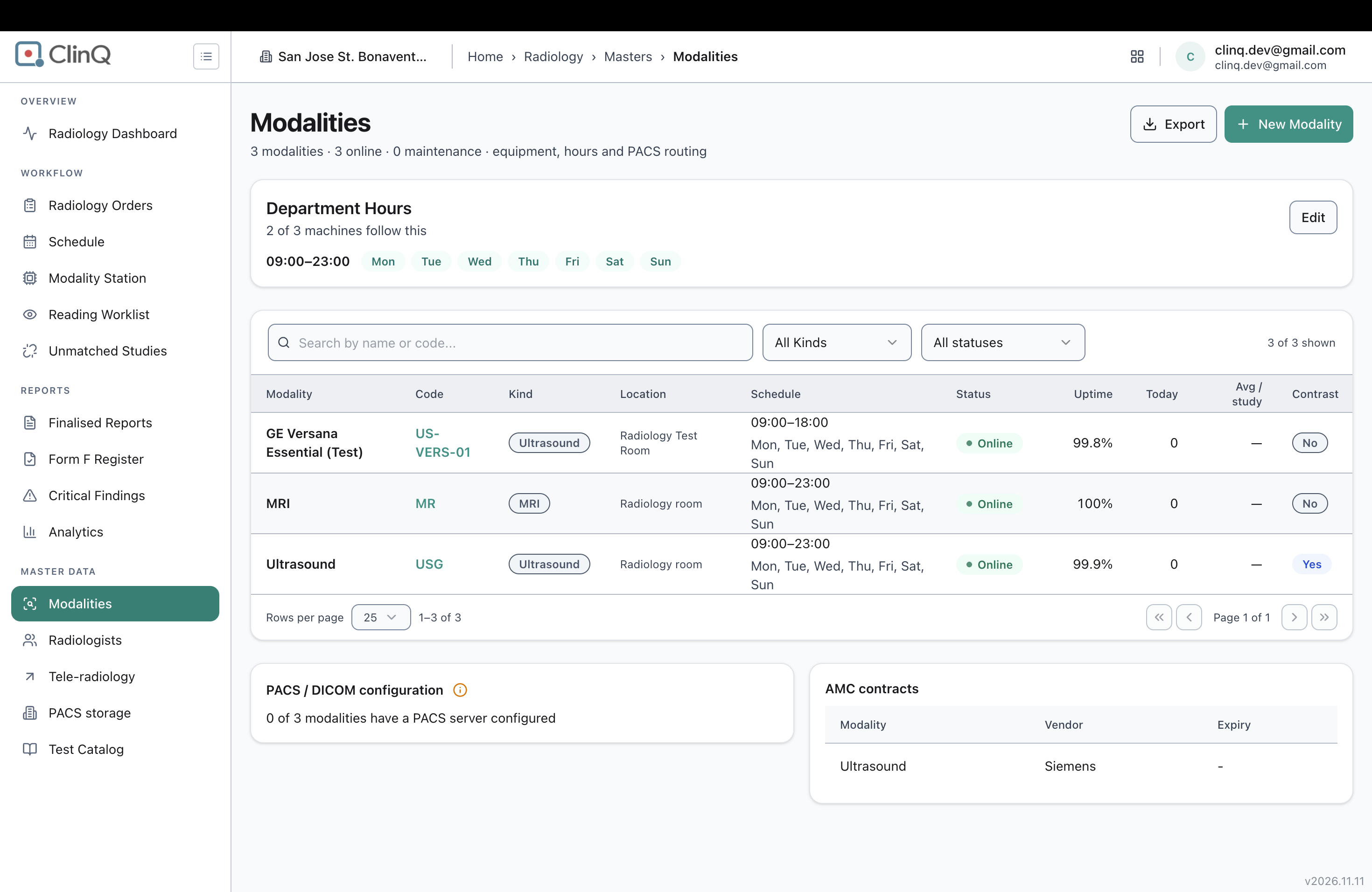
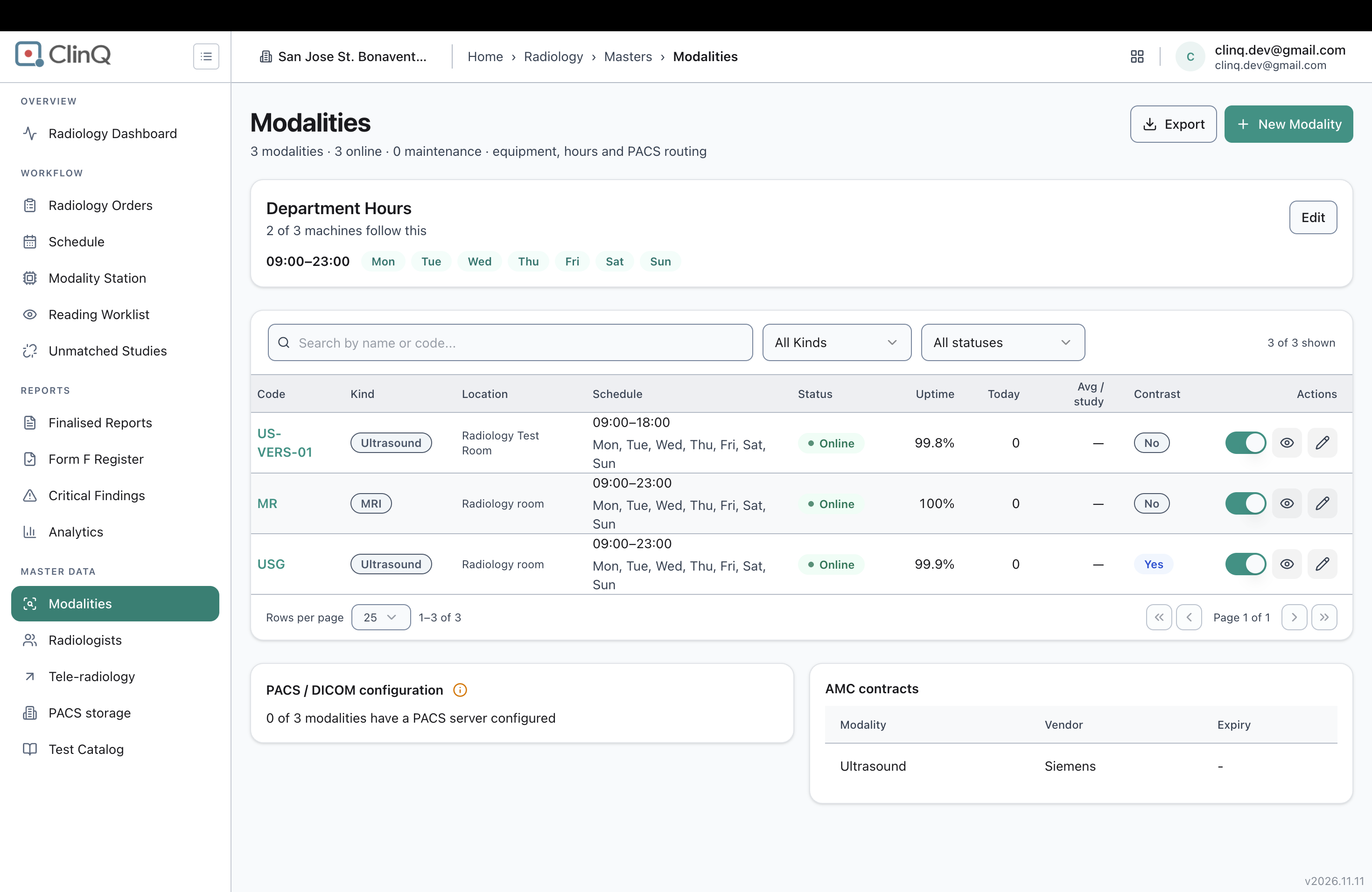
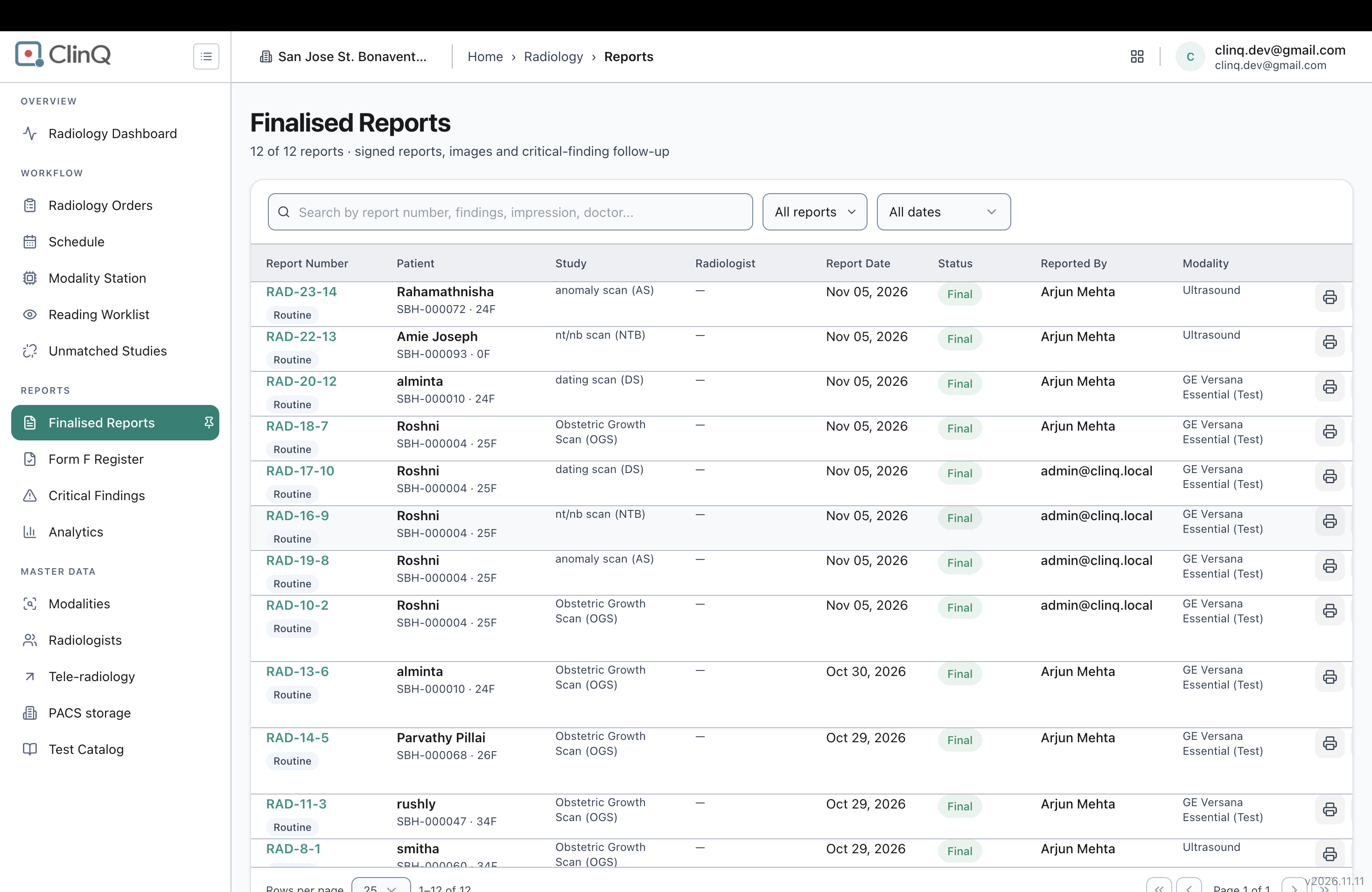
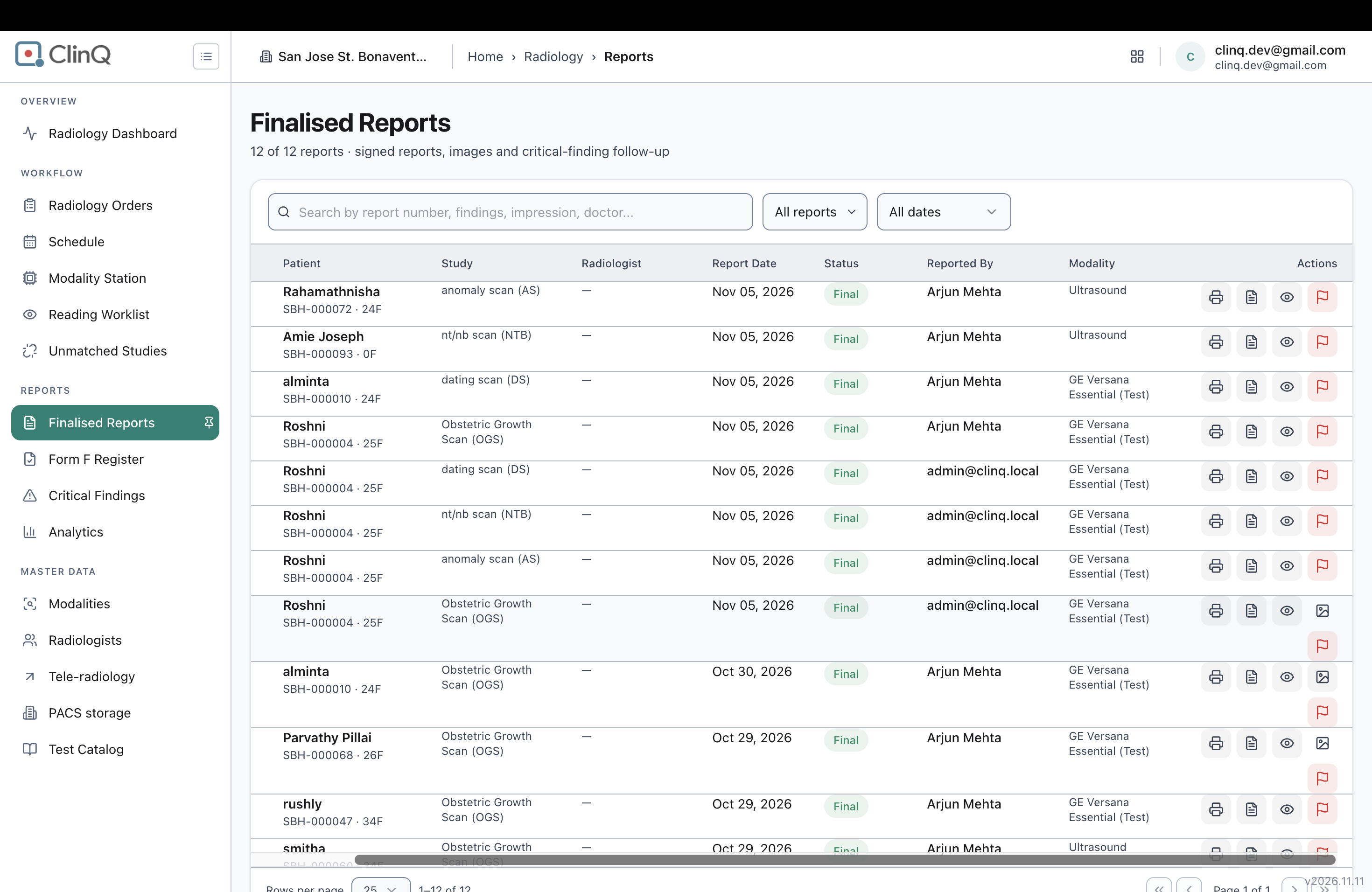
On some pages, page content extends wider than the browser window, so part of the layout (including action buttons) sits off-screen to the right. The user has to scroll the page horizontally to find and click a button that should be reachable without scrolling. This has been noticed as a general impression while testing across the application, not tied to one confirmed page at this time.
Impact
If a user cannot see that a button exists without first scrolling right, they may not realize the action is available at all, miss it entirely, or need extra steps just to complete a routine task. On a busy clinical or billing screen, this slows staff down and risks actions being skipped simply because the control was never seen. It also looks unfinished/unpolished, which affects user confidence in the product.
Environment
Clinq HMS, observed generally while testing across tenants/modules (San Jose St. Bonaventure and Vetri Vivega Medical Center). No specific page, screen resolution, zoom level, or browser window width has been pinned down yet — this is a general impression from testing, not a confirmed reproduction on a named page.
Steps to Reproduce
A specific, repeatable sequence has not been pinned down yet. The general pattern noticed is:
Open a page in Clinq HMS at a normal browser window width.
Look for an action button (e.g., a Save, Add, or similar control) that is expected to be visible within the page.
Find that the button is not visible without scrolling the page horizontally to the right.
The next time this is seen on a specific page, a screenshot and the exact page name should be captured so this can be reproduced and verified directly.
Expected vs Actual
Expected: Page layout should fit within the available screen/browser width. All controls, including action buttons, should be visible and reachable without needing to scroll horizontally.
Actual: On some pages, content extends beyond the visible width, pushing buttons and other elements off-screen to the right, requiring the user to scroll right to find and use them.
Notes
This is filed as a general, unconfirmed-location observation at the reporter’s request, since no specific page could be pinned down at the time of reporting (live browser access to the application was also unavailable to verify this directly).
Files